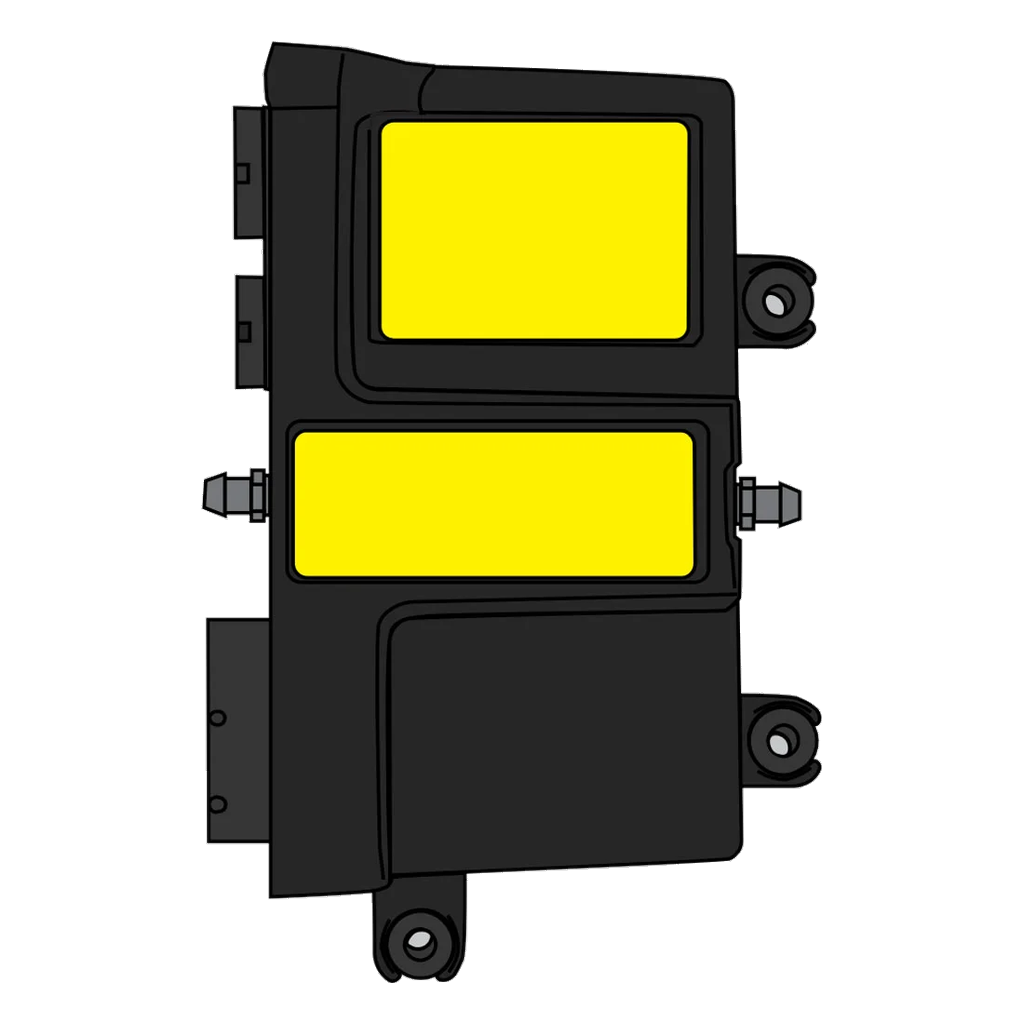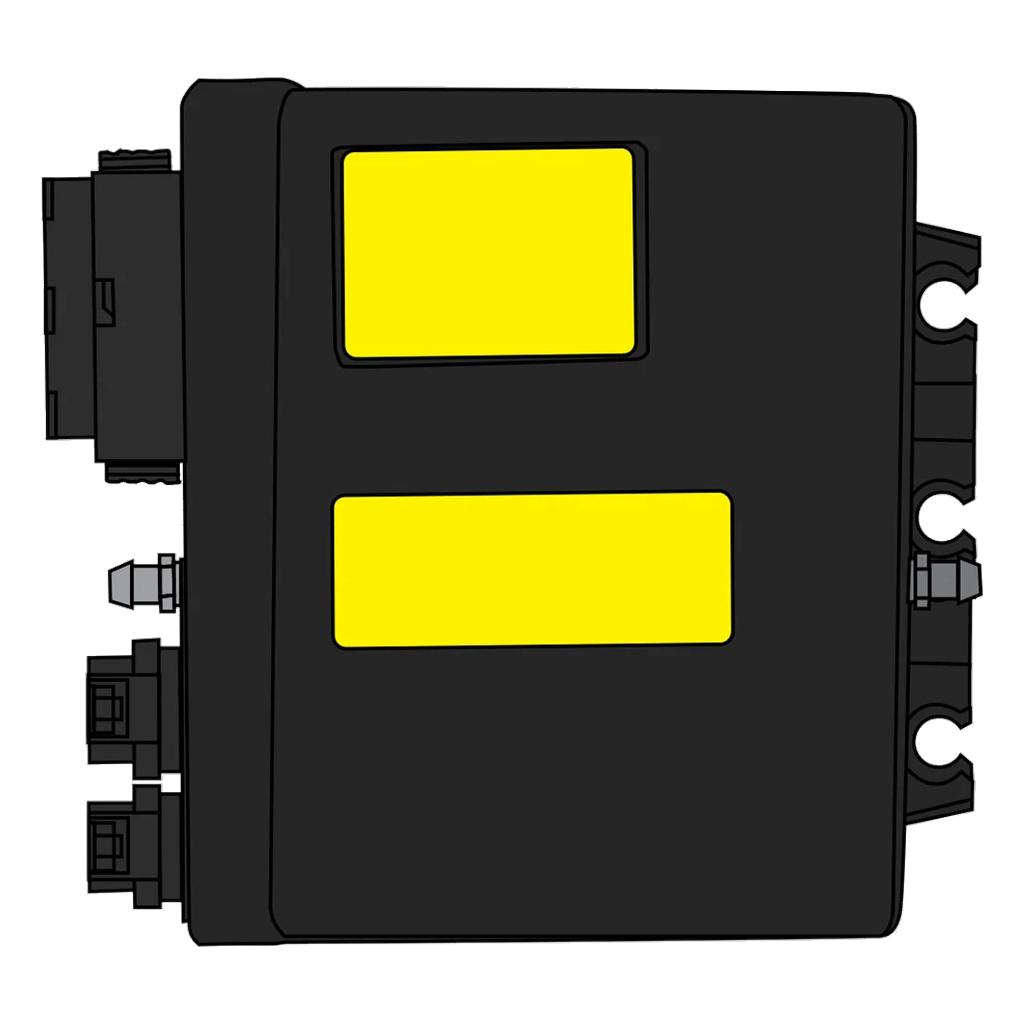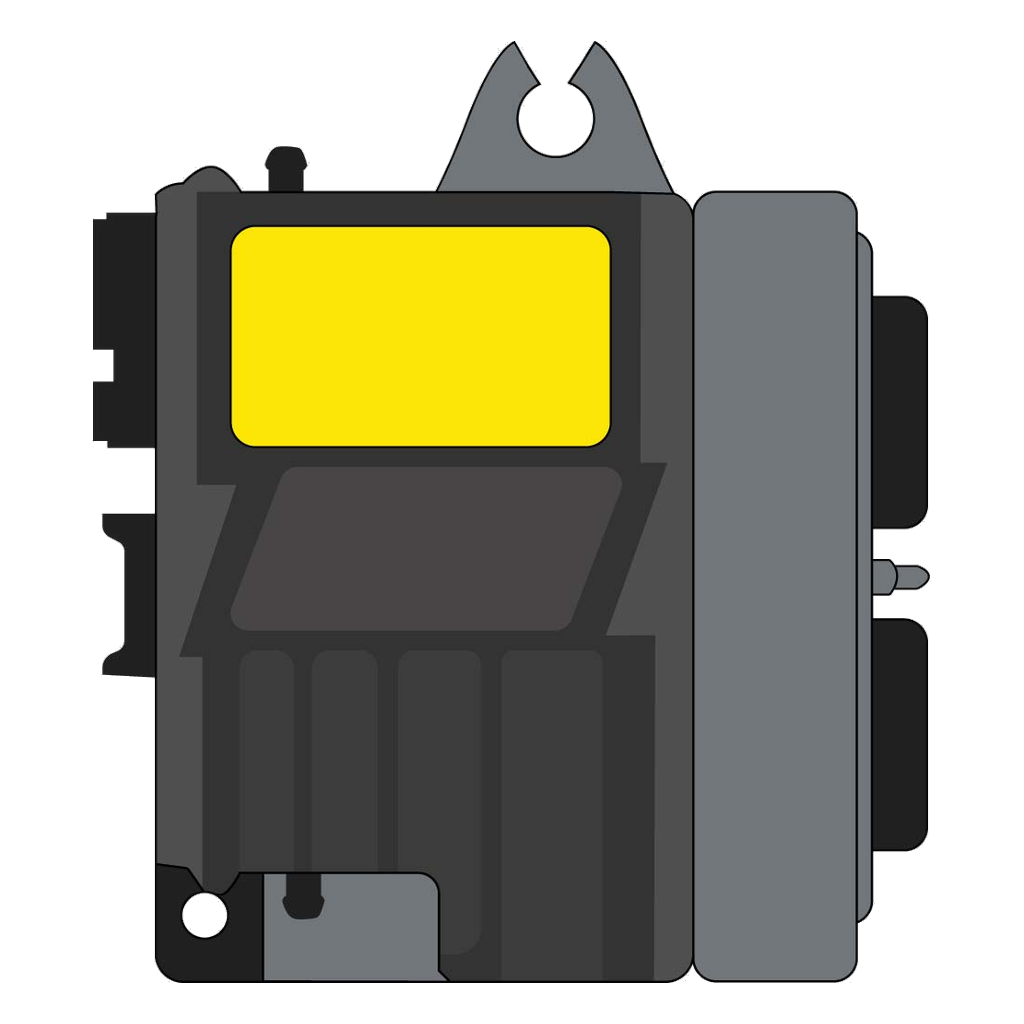
Evinrude diagnostic cable, EvDiag5 software and bootstrap cable
Three parts do the work on an Evinrude E-TEC EMM: the diagnostic cable that connects your laptop to the engine, the Evinrude Diagnostics software (EvDiag5) that talks to the EMM through it, and the bootstrap cable that reflashes the module. Here is what each one is and how they fit together.
- Fits E-TEC, FICHT and DI engines from 1999 onward
- Runs the official BRP Evinrude Diagnostics software
- Bootstrap connector for EMM recovery and reflash
What is an Evinrude diagnostic cable
The diagnostic cable is a USB cable that connects a Windows laptop to the Evinrude engine's diagnostic port. On its own it is just the physical link. Run it together with the Evinrude Diagnostics software and your laptop can talk directly to the EMM, the Engine Management Module that runs the engine.
Once connected you can read the module and check exactly what the engine is doing, without guessing from symptoms alone.
What you can read through the cable
- Fault codes stored in the EMM
- Live engine data while the engine runs
- Service and calibration settings
- Engine logs and printable reports
Which engines it fits
The Hardware Care diagnostic cable fits Evinrude E-TEC, FICHT and DI engines from 1999 onward:
Standard length is 2.5 metres, with longer cables available on request.
What is EvDiag5 (Evinrude Diagnostics software)
EvDiag5 is BRP's official Evinrude Diagnostics software, the version 5 line. The current release is 5.9.0.0. It is the program that runs over the diagnostic cable and does the talking to the EMM: read faults, set engine operating parameters, run maintenance routines and print engine reports.
Version 5 also carries the latest E-TEC engine map packages, which matters when a module needs a current map written to it. The software works on E-TEC and DI engines.
Software and hardware are two different things
EvDiag5 is the software. The diagnostic cable is the hardware link it needs to reach the engine. The program cannot see the EMM without the cable, and the cable does nothing on its own without the program. You need both.
What EvDiag5 does
- Reads and clears fault codes
- Sets engine operating parameters
- Runs maintenance routines
- Prints engine reports
What is a bootstrap cable
The bootstrap cable, also called the bootstrap connector (BRP part number 586551), is a separate cable used to update and restore the EMM. It puts the EMM into bootstrap mode, a recovery mode, so the module firmware can be rewritten even when the normal connection cannot do it.
That recovery path is what makes a full reflash possible. It is a different cable from the diagnostic cable and does a different job.
What the bootstrap cable is used for
- EMM recovery after a failed flash
- Writing injector data files
- Oil pump and injector calibration
- Uploading a new engine map to the EMM
Writing a new engine map is exactly how an HP tune is applied.
Diagnostic cable vs bootstrap cable
| Diagnostic cable | Bootstrap cable (586551) | |
|---|---|---|
| Primary job | Read and diagnose the EMM | Update and restore the EMM |
| How it connects | Normal diagnostic port | Bootstrap (recovery) mode |
| Reads faults and live data | Yes, with EvDiag5 | No, it is a reflash link |
| Rewrites EMM firmware after a failed flash | No | Yes |
| Uploads a new engine map (HP tune) | No | Yes |
Why a remote tune needs both cables
A remote EMM tune uses both cables together. The diagnostic cable reads and verifies the EMM first, so we confirm the module and the engine before touching anything. The bootstrap cable then writes the new, higher HP engine map to the module.
One cable checks the module, the other rewrites it. That is why a tune is not a single-cable job.
Where to get the cables
The Hardware Care diagnostic cable is sold through our sister shop, OutboardCare. The bootstrap connector (586551) is stocked there too.
For a remote tune you can bring your own cables or buy them as a kit. Either way, both the diagnostic cable and the bootstrap cable can be supplied.
Not tuning yet? If your EMM is faulty, start with our E-TEC EMM repair service.
Lo que dicen los clientes
★★★★★
 United Kingdom
 Finland
 Australia
United Kingdom
Australia
United Kingdom
 South Africa
 United States
United States
United States
United States
United States
 Nederland
United States
Nederland
United States